
 By Adrian Pascual•Hiring insight•Published
Red Flags in Video Interviews: A Hiring Manager's Guide
The most consequential red flags in video interviews are not always the ones that feel obvious. Candidates who show up late without notice, deliver word-for-word scripted answers, or glance repeatedly off screen while responding deserve immediate follow-up. Here is a quick-reference list of the highest-priority signals and the action each warrants:
- Unexplained no-show or late arrival: Fail unless a documented emergency is provided. Reschedule once, maximum.
- Scripted or AI-assisted answers: Probe now with an unscripted behavioral follow-up. Do not advance without verification.
- Repeated off-camera gaze during responses: Monitor and probe. A 2024 study cited by LastRound AI found that candidates who looked at their screen rather than the camera scored lower across multiple evaluation dimensions.
- Persistent audio or video failure (avoidable): Probe whether the candidate tested the platform beforehand. One failure is forgivable; a pattern is a readiness signal.
- Distracting or chaotic background: Note it, but do not disqualify. Workable cautions against conflating a less-than-perfect home setup with professional competence.
- Visible multitasking or divided attention: Probe now. Eyes drifting to a second screen, typing sounds, or delayed responses suggest the candidate is not fully present.
- Flat affect or muted energy throughout: Monitor. Low energy on video can reflect anxiety, connectivity lag, or genuine disengagement. Probe before concluding.
- Excessive negativity about past employers: Flag and probe. One critical comment is human; a pattern of blame is a conduct signal.
- Vague, example-free answers: Probe with a behavioral follow-up. Inability to provide specifics after prompting is a stronger signal than vagueness alone.
- Unprofessional presentation (attire, language): Note context. A candidate in a noisy shared space may have fewer options than one in a private home office.
The overall recommendation: treat every video-specific signal as a hypothesis to test, not a verdict to deliver. Structured probing almost always reveals whether a concern is real.
Key Takeaways
Treat every video-specific red flag as a signal to probe, not a reason to disqualify, and use a consistent scoring rubric to keep your team's thresholds aligned across every candidate.
| Point | Details |
|---|---|
| Probe before concluding | Every red flag is a hypothesis; follow up with a behavioral question before advancing or rejecting a candidate. |
| Camera gaze matters | A 2024 study found candidates who looked at the screen rather than the camera scored lower across multiple evaluation dimensions. |
| Separate content from delivery | Vague answers and blaming language are content signals; flat affect and slow pace are delivery signals that require different responses. |
| Apply a fairness standard | Environmental and connectivity issues are not equally distributed; weight them relative to the role's actual requirements. |
| Evy adds structured detection | Evy's real-time eye tracking and transcript analysis help hiring teams flag AI-assisted or scripted responses before a candidate advances. |
Table of Contents
- What are the most common red flags in video interviews?
- What candidates say and how they say it: spotting content vs. delivery issues
- How to diagnose technical and logistical issues quickly
- How to score and calibrate red flags consistently
- How does Evy detect scripted and AI-assisted answers?
- What to do the moment you spot a concerning signal
- Why consistent process beats snap judgment in video hiring
- Evy helps hiring teams screen reliably at scale
- Sources
What are the most common red flags in video interviews?
Video interviews surface a distinct set of warning signs that in-person formats rarely produce. Understanding each one, and knowing when to act on it, separates a well-calibrated hiring process from one driven by gut reaction.
Environment and background distractions
A cluttered background, a noisy household, or a virtual background that keeps glitching can all pull an interviewer's attention. The concern is legitimate when distractions are so severe that they interrupt the conversation repeatedly. Workable advises applying a degree of caution here: a less-than-ideal home office does not predict poor job performance. Candidates in shared housing, caregiving situations, or areas with limited private space may have no better option.
But when to act: If a candidate makes no attempt to minimize distractions (phone ringing, television audible, family members walking through frame repeatedly), and the role requires focused remote work, that pattern is worth a direct conversation. Ask whether they have a dedicated workspace for the role.
Poor body language and limited nonverbal cues
Slouching, avoiding the camera, crossed arms, or a flat facial expression can all read as disengagement on video. The challenge is that video compresses nonverbal signals. A candidate who appears stiff may simply be nervous, unfamiliar with the format, or dealing with a slight lag that disrupts natural rhythm.
But when to act: Consistent avoidance of the camera combined with short, evasive answers is a stronger combined signal than body language alone. Probe with a direct behavioral question and observe whether engagement increases.
Scripted or robotic responses
Answers that sound rehearsed to the point of recitation, with no natural pauses or self-correction, raise a legitimate concern. This is especially true when a candidate delivers a polished paragraph in response to a question they could not have anticipated. Recruiters frequently notice these delivery patterns within the first 20 seconds of a response.
But when to act: Ask an immediate, unscripted follow-up. "Walk me through a specific moment when that approach did not work." A candidate drawing on real experience will adapt. One reading from a prepared script will stall or repeat.
Interrupted audio and video
Frozen frames, choppy audio, and dropped connections are common in video interviews. The key diagnostic question is whether the issue is avoidable. A candidate who tested the platform, has a stable connection, and still experiences a one-time dropout deserves a reschedule or a brief pause. A candidate who arrives with an untested setup, poor lighting, and audio that cuts out every 30 seconds is showing a different kind of signal.
But when to act: Apply the fairness standard. Connectivity quality varies significantly by geography and economic circumstance. If the role is fully remote and requires reliable video communication, it is reasonable to ask directly whether the candidate has a stable connection for daily work.
Multitasking and divided attention
Typing sounds during responses, eyes tracking to a second screen, delayed answers that suggest reading, or a candidate who seems to be composing a reply rather than thinking through one are all signs of divided attention. This is one of the clearest video-specific warning signs because it is difficult to fake attentiveness on camera for an extended period.

But when to act: One moment of distraction is not a pattern. If it recurs across multiple questions, note it and probe: "I want to make sure we have a good connection here. Are you able to give this your full focus for the next few minutes?"
Late arrival or no-show
A candidate who joins five or more minutes late without prior notice, or who does not appear at all, is sending a clear signal about how they prioritize commitments. This is one of the few flags where the threshold for action is lower. Offer one reschedule with a direct note that punctuality matters for the role.
Excessive negativity about past employers
A candidate who spends significant time criticizing a former manager, team, or company is showing you how they will likely talk about your organization in the future. One honest critique is not a red flag. A pattern of blame, with no self-reflection, is.
But when to act: Probe for balance. "What did you learn from that experience?" A candidate who can name something constructive alongside the criticism is processing the experience. One who cannot is worth monitoring.
Pro Tip: Before flagging any environmental or technical issue as a red flag, ask yourself whether the candidate had reasonable control over it. Connectivity disparities, shared living situations, and platform unfamiliarity are not equally distributed across candidate pools. Applying a consistent fairness standard here protects both the candidate and your hiring process.
What candidates say and how they say it: spotting content vs. delivery issues
Content red flags and delivery red flags require different responses. Conflating them leads to false positives.
Content issues are about what a candidate actually says: vague answers with no examples, blaming language, inconsistent career history, or claims that do not hold up under a follow-up question. These are substantive concerns.
Delivery issues are about how a candidate says it: pace, energy, eye contact, and fluency. These are more susceptible to bias, anxiety, and format effects. A candidate who speaks slowly may be thinking carefully. One who speaks quickly may be nervous.
The table below maps common signals to their likely cause and a recommended probe:
| Signal | Likely cause | Recommended probe |
|---|---|---|
| Vague answers with no examples | Inexperience, poor prep, or evasion | "Can you give me a specific situation where you did that?" |
| Blaming language about past employer | Poor self-awareness or genuine grievance | "What would you have done differently in that situation?" |
| Overly polished, scripted delivery | Rehearsed prep or AI assistance | "Tell me about a time that approach failed for you." |
| Rambling, unfocused responses | Nerves, poor structure, or unclear thinking | "If you had to summarize that in one sentence, what would it be?" |
| Camera-directed gaze absent | Unfamiliarity with format or off-screen reading | "I noticed you were looking away. Is there something on your screen?" |
Experts at Robert Half recommend keeping responses within a minute or so and using a response-example-result structure. When a candidate consistently exceeds that window without landing on a clear point, it is a content signal worth probing, not just a delivery quirk.
Cultural and accessibility considerations matter here too. Candidates from communication cultures that favor indirect or narrative-style responses may appear to ramble by Western professional standards. Candidates with certain cognitive or language processing differences may need more time to structure a response. Neither is a disqualifier. Both are reasons to probe rather than conclude.
How to diagnose technical and logistical issues quickly
Not every technical failure reflects on the candidate. The diagnostic question is always: was this within their control?
Common technical failures and quick diagnosis:
- Unstable video or frozen frames: ask the candidate to turn off their camera briefly and reconnect. If the issue resolves, it was likely a bandwidth spike.
- Poor audio quality: ask them to check whether they are using a built-in microphone versus a headset. Built-in laptop microphones in noisy environments produce predictably poor audio.
- Platform login failures: confirm whether the candidate received the correct link and whether the platform was tested in advance. A candidate who did not test the link is showing a preparation gap.
- Repeated disconnects across the session: note whether the pattern is consistent or isolated. Consistent drops on the candidate's end, after a stable start on yours, suggest a connection issue on their side.
Decision flow for technical issues:
- Pause the interview and attempt a quick fix (ask them to reconnect, switch to audio-only, or rejoin the link).
- If the issue persists for more than three minutes, offer a reschedule with a specific alternative time.
- If the candidate arrives with multiple unresolved technical issues and has not tested the platform, note it as a preparation signal, not a disqualifying one.
- If the role requires daily video communication and the candidate cannot maintain a stable connection across two scheduled attempts, treat that as a relevant readiness concern and discuss it directly.
JobLabs notes that recruiters form impressions from camera angle, lighting, and audio within the first 20 seconds. A candidate who has not addressed these basics has likely not tested their setup, which is itself a signal about how they approach preparation for professional commitments.
Fairness note: connectivity quality is not uniform. Candidates in rural areas, shared housing, or lower-income households may have fewer options for a stable high-speed connection. Where the role does not require daily video calls, weight this signal accordingly.
How to score and calibrate red flags consistently
A single interviewer's gut reaction is not a reliable evaluation tool. Consistent scoring across a hiring panel requires a shared rubric and a calibration process.
A simple impact scale for video-specific signals:
- Monitor (low impact): The signal appeared once, has a plausible alternative explanation, and did not affect the substance of the candidate's responses. Note it; do not act on it alone.
- Probe (medium impact): The signal appeared more than once or affected the quality of a response. Follow up with a targeted behavioral question before advancing the candidate.
- Escalate (high impact): The signal is severe (no-show, confirmed AI-assisted response, repeated dishonesty) or appeared consistently across multiple questions. Require a second-round verification before any hiring decision.
Calibration steps for hiring teams:
- Run a norming session before a new hiring cycle. Show the panel two or three recorded video responses and score them independently, then compare. Gaps in scoring reveal where your team's thresholds differ.
- Use structured interview formats so every candidate answers the same questions in the same order. This makes cross-candidate comparison meaningful.
- Take written notes during the interview rather than relying on post-call memory. Memory is selective and tends to overweight the most recent or most surprising moment.
- After scoring, ask: "Would I score this the same way if the candidate had a different accent, background, or communication style?" If the answer is uncertain, revisit the note.
Bias checks specific to video interviews:
- Do not penalize candidates for backgrounds that reflect economic circumstances rather than professional attitude.
- Do not conflate a non-native speaker's delivery pace with a lack of competence.
- Do not overweight first-impression signals (lighting, camera angle) relative to the substance of what the candidate said.
Harvard Business Review points out that interviewers can display red flags too. A lack of interview structure, evasive answers about team dynamics, or an inability to explain what success looks like in the role are warning signs about the employer, not the candidate. Calibration works in both directions.
How does Evy detect scripted and AI-assisted answers?
Scripted and AI-assisted responses are among the harder signals to catch without dedicated tooling. A candidate who has memorized a ChatGPT-generated answer may deliver it fluently, with appropriate pacing and eye contact. The tell is usually in what happens next: when you probe with an unscripted follow-up, the fluency collapses.
Evy's platform addresses this directly. Real-time eye tracking monitors where a candidate's gaze is directed during a response. Eye movement that consistently tracks off-camera, particularly in a pattern that suggests reading rather than recall, looks different from the natural gaze of someone thinking through an answer. Transcript analysis runs in parallel, flagging response patterns that match scripted or AI-generated text: unusually uniform sentence structure, absence of self-correction, and phrasing that does not match the candidate's conversational register in earlier responses.
Evy is the only AI interview platform with real-time eye tracking to catch candidates using AI assistance during screening. The platform combines gaze analysis, transcript review, and adaptive questioning to surface honest, qualified candidates at scale, 24/7, without requiring a live interviewer in the room.
Practical steps to verify a suspected AI-assisted response:
- Ask an immediate, unscripted follow-up that requires the candidate to recall a specific detail from their own experience.
- Request a brief work sample or live task relevant to the role.
- Compare the candidate's written application language to their spoken responses. Significant divergence in vocabulary and structure is worth noting.
- Run a reference check that specifically asks about the candidate's communication style and how they handle novel problems.
Pro Tip: Use platform signals as a starting point, not a verdict. If Evy flags an unusual attention pattern or a response that matches scripted text, treat it as a prompt to probe further in a live conversation, not as automatic grounds for disqualification. Human judgment and platform data work best together.
Robert Half notes that AI-assisted screening tools make delivery signals easier to measure, which also makes them easier to misread. A recruiter who sees a low engagement score should verify it with a short live probe before drawing conclusions. The signal is a hypothesis; the probe is the test.
For deeper context on why candidates attempt to use AI assistance during screening, Evy's guide on why candidates cheat video interviews covers the behavioral drivers and detection strategies in detail.
What to do the moment you spot a concerning signal
Having a consistent response protocol matters as much as knowing what to look for. Here is a step-by-step checklist for the moment a red flag appears:
- Pause and note. Write down exactly what you observed, in behavioral terms. "Candidate looked off-screen for approximately 10 seconds before answering questions 3 and 5" is more useful than "seemed distracted."
- Probe immediately. Ask a targeted follow-up before moving to the next question. Do not wait until the end of the interview to address a concern.
- Offer a reschedule if the issue is technical. Do this once, with a specific alternative time. Note whether the candidate responds promptly and professionally.
- Escalate to a second round if the signal is substantive. A vague answer that did not improve after probing, or a suspected scripted response, warrants a structured second interview or a skills assessment.
- Document before discussing. Write your notes before comparing with other panel members. Post-call discussion is valuable, but it should start from independent observations, not a shared first impression.
For guidance on structuring post-interview feedback, Evy's resource on how to give feedback after video interviews covers the documentation and communication steps in detail.
Email template 1: Rescheduling due to technical issues
Subject: Rescheduling your interview for [Role] Hi [Candidate Name], We experienced some technical difficulties during today's session and want to make sure you have a fair opportunity to connect with us. I'd like to reschedule for [Date/Time Option 1] or [Date/Time Option 2]. Please confirm which works for you, and feel free to test the platform link in advance at [Link]. Looking forward to speaking with you. [Your Name]
Email template 2: Requesting clarification or additional evidence
Subject: Follow-up on your interview for [Role] Hi [Candidate Name], Thank you for your time today. To complete our evaluation, we'd like to ask a few follow-up questions or request a brief work sample related to [specific topic]. Please reply with [specific deliverable or answers] by [Date]. We appreciate your continued interest in the role. [Your Name]
Why consistent process beats snap judgment in video hiring
There is a version of this conversation that hiring managers rarely have out loud: video interviews make it easier to form strong impressions quickly, and those impressions are not always accurate. A candidate with a professional home office, a ring light, and a well-framed camera will read as more competent than an equally qualified candidate in a shared apartment with a laptop propped on a stack of books. That is a bias problem, not a signal problem.
What actually predicts performance is the substance of what a candidate says when pushed past their prepared answers. The probe question, the follow-up, the moment you ask them to be specific about something they just described in general terms. That is where the real signal lives.
Structured processes exist precisely because human pattern recognition is fast and often wrong in novel contexts. Video is a novel context for most candidates. Nerves, format unfamiliarity, and connectivity anxiety all compress the range of behavior you see. A candidate who would be articulate and engaged in person may appear flat on a 720p video call with a two-second lag. Treating that as a character signal is a mistake.
The better approach: use video-specific red flags as prompts to probe, not as verdicts to deliver. CNBC's career experts remind us that candidates are evaluating you too. An interviewer who jumps to conclusions, skips structure, or fails to give candidates a fair chance to respond is sending signals of their own.
Evy helps hiring teams screen reliably at scale
Spotting red flags in video interviews is only half the challenge. The other half is doing it consistently, across dozens or hundreds of candidates, without letting bias or fatigue distort your decisions.
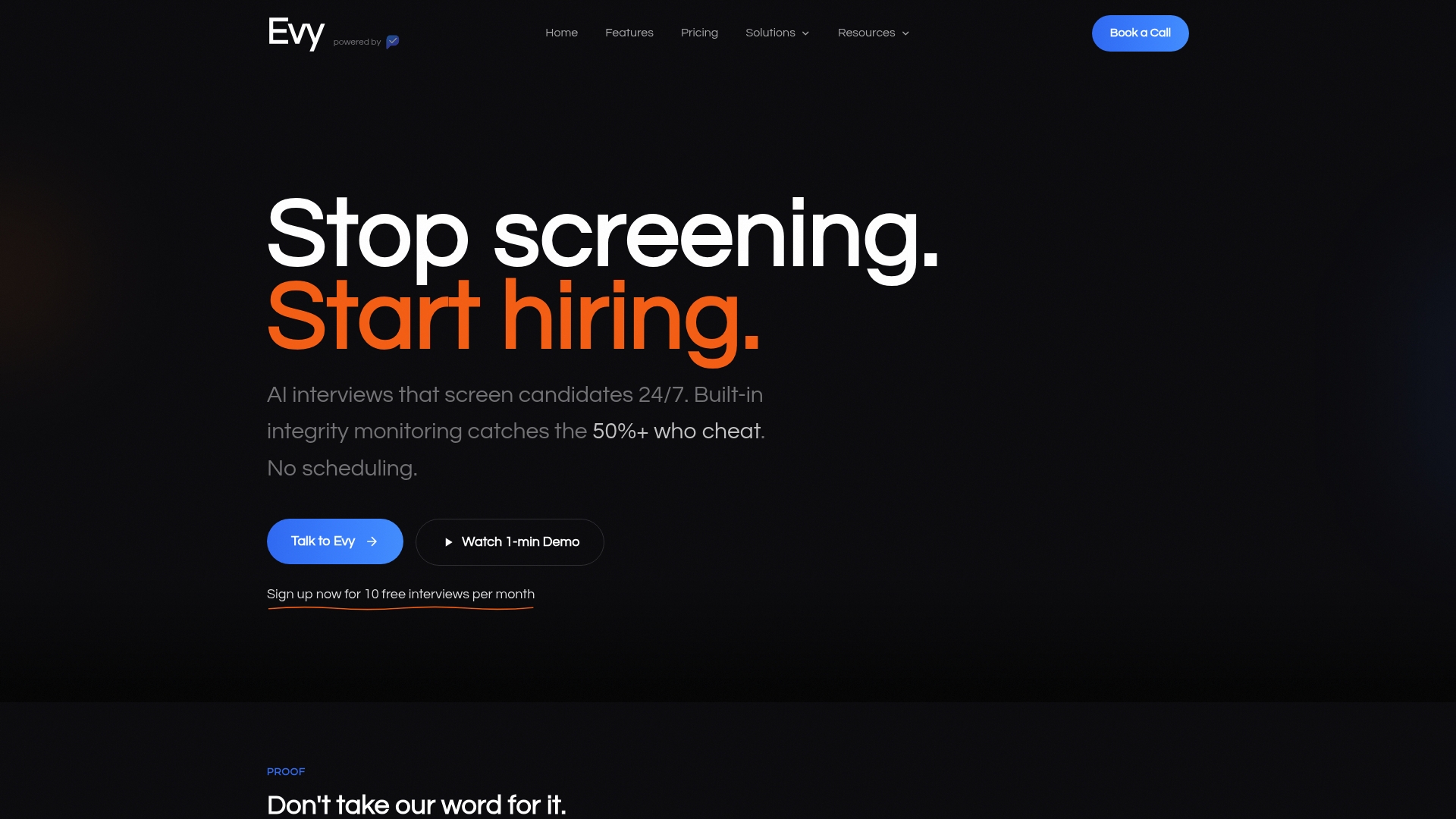
Evy is built for exactly that. The platform's real-time eye tracking flags off-camera attention patterns during recorded responses. Transcript analysis surfaces scripted or AI-generated language. Structured scoring combines resume data with live response quality so every candidate is evaluated on the same criteria. Audit logs give your team a defensible record of every decision.
A practical way to start: run a pilot on one hiring lane, using Evy to screen a small cohort of candidates before your live panel interviews. Compare your panel's independent scores against Evy's flagged signals. The calibration exercise alone tends to surface where your team's thresholds diverge. To learn more or set up a pilot, visit Evy.
Sources
- Virtual interview tips: How to fix common interview mistakes | Robert Half
- Video interview red flags: Why they're not all valid | Workable
- 10 red flags to watch out for in a job interview | Harvard Business Review
- Virtual Interview Mistakes to Avoid | LastRound AI
- 6 Zoom Interview Mistakes Recruiters Spot in 20 Seconds (2026) | JobLabs
- Top 3 red flags job seekers should watch out for in interviews, says career expert | CNBC